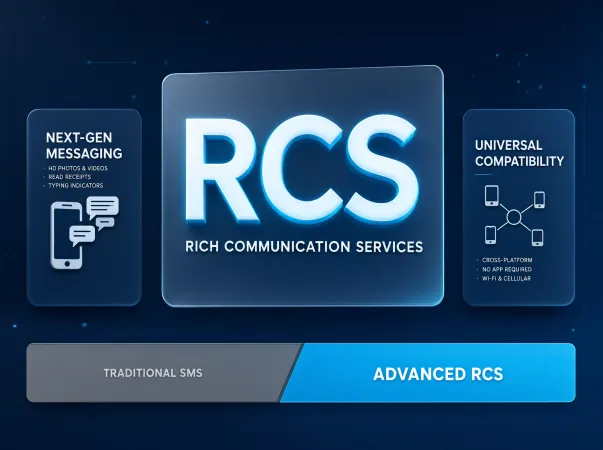
RCS means Rich Communication Services. It is a messaging standard that adds modern chat features to regular phone messaging.
Think of RCS as an upgrade to traditional texting. SMS lets you send basic text messages, while MMS supports picture and group messages. RCS can add more useful features, such as typing indicators, read receipts, and better media sharing.
For example, when you use RCS to text a friend, you may see three dots while they type. After they read your message, you may see a read receipt. These features depend on the settings and support available to both people.
RCS does not mean that you need a separate social media account. It works through a compatible messaging app and an internet connection, such as Wi-Fi or mobile data.
What Does RCS Stand For?
RCS stands for Rich Communication Services.
Here is what the name means in simple terms:
- Rich: It supports more than plain text.
- Communication: It helps people send messages to each other.
- Services: It includes tools and features that improve messaging.
Together, these words describe a messaging system that offers more features than older text messaging standards.
What Is an RCS Message?
An RCS message is a message sent through Rich Communication Services instead of traditional SMS or MMS.
Depending on the devices and settings involved, an RCS message may support:
- High-quality photos and videos
- Typing indicators
- Read receipts
- Better group chats
- Larger media files
- Messaging over Wi-Fi or mobile data
For example, if you send a video to a friend using RCS, it may keep more of its original quality than a video sent through traditional MMS.
Not every RCS chat supports every feature. Your messaging app, carrier, phone, and connection can affect how it works.
How Does RCS Messaging Work?
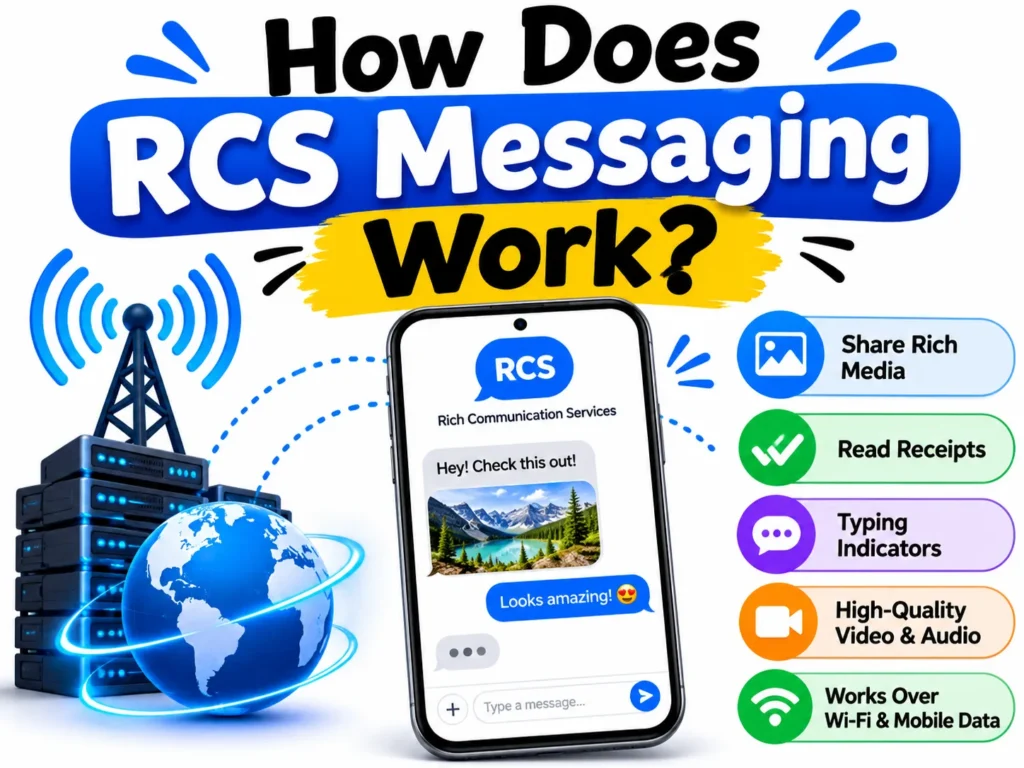
RCS uses an internet connection to send messages through a supported messaging service. This connection can be Wi-Fi or mobile data.
To use RCS, both people generally need compatible messaging services with RCS enabled. The exact requirements depend on the devices, apps, and networks involved.
Here is how it usually works:
- You open a supported messaging app, such as Google Messages.
- You choose a contact who can receive RCS messages.
- You type your message or attach a photo or video.
- Your phone sends the message using RCS when the chat supports it.
- You may see typing indicators, delivery status, or read receipts if those features are available.
If RCS is not available for that conversation, your phone may send the message as SMS or MMS instead, depending on your settings.
Does RCS Use Wi-Fi or Mobile Data?
Yes. RCS can use Wi-Fi or mobile data to send messages.
This can be helpful when you have a Wi-Fi connection but weak cellular service. However, you still need a working internet connection and a supported RCS service.
If you use mobile data, RCS messages may count toward your data plan. If you use Wi-Fi, they generally use that internet connection instead.
RCS is not the same as a traditional SMS message, which is sent through your carrier’s cellular messaging system and usually does not require mobile data.
Does RCS Work Without Internet?
RCS generally needs an internet connection to send messages. If your Wi-Fi and mobile data are both unavailable, an RCS message may not send.
Your messaging app may offer an option to resend the message as SMS or MMS. If that option is enabled or available, your phone may use the traditional messaging service instead.
Whether this happens automatically depends on your app and settings.
RCS vs. SMS vs. MMS: What Is the Difference?
RCS, SMS, and MMS are all used for mobile messaging, but they offer different features.
| Feature | RCS | SMS | MMS |
| Full name | Rich Communication Services | Short Message Service | Multimedia Messaging Service |
| Plain text | Yes | Yes | Yes |
| Photos and videos | Yes | No | Yes |
| Typing indicators | Supported | No | No |
| Read receipts | Supported | No | No |
| Internet connection | Generally required | Not usually | Not usually |
| Better media quality | Often supported | No media | Often limited |
| Group messaging | Enhanced features | Basic support | Picture and group support |
The exact experience can vary by phone, carrier, messaging app, and settings.
RCS vs. SMS
SMS stands for Short Message Service. It is the traditional system used to send text messages between phones.
SMS is useful for short messages, such as reminders, alerts, and simple conversations. It does not normally offer typing indicators or read receipts.
RCS adds features that make everyday conversations more interactive. It can also support larger media files and better-quality photos and videos.
For example, SMS is suitable for sending “I will be there in five minutes.” RCS may be better when you want to send a high-quality photo and see when the other person reads your message.
RCS vs. MMS
MMS stands for Multimedia Messaging Service. It allows users to send pictures, videos, and other media through traditional carrier messaging.
RCS can offer a better media-sharing experience, including higher-quality photos and videos when supported. It can also add typing indicators and read receipts.
MMS is still useful when RCS is unavailable. Your phone may use MMS to send media to someone whose messaging service does not support RCS.
Is RCS Better Than SMS?
For many everyday conversations, RCS offers more features than SMS.
It is especially useful if you want to share photos, send videos, use group chats, or see when someone has read your message.
However, SMS still has an important advantage: it does not normally require an internet connection. This can make it useful when mobile data or Wi-Fi is unavailable.
The best option depends on your connection, your phone, and the messaging service used by the person you contact.
What Does RCS Mean on Android?
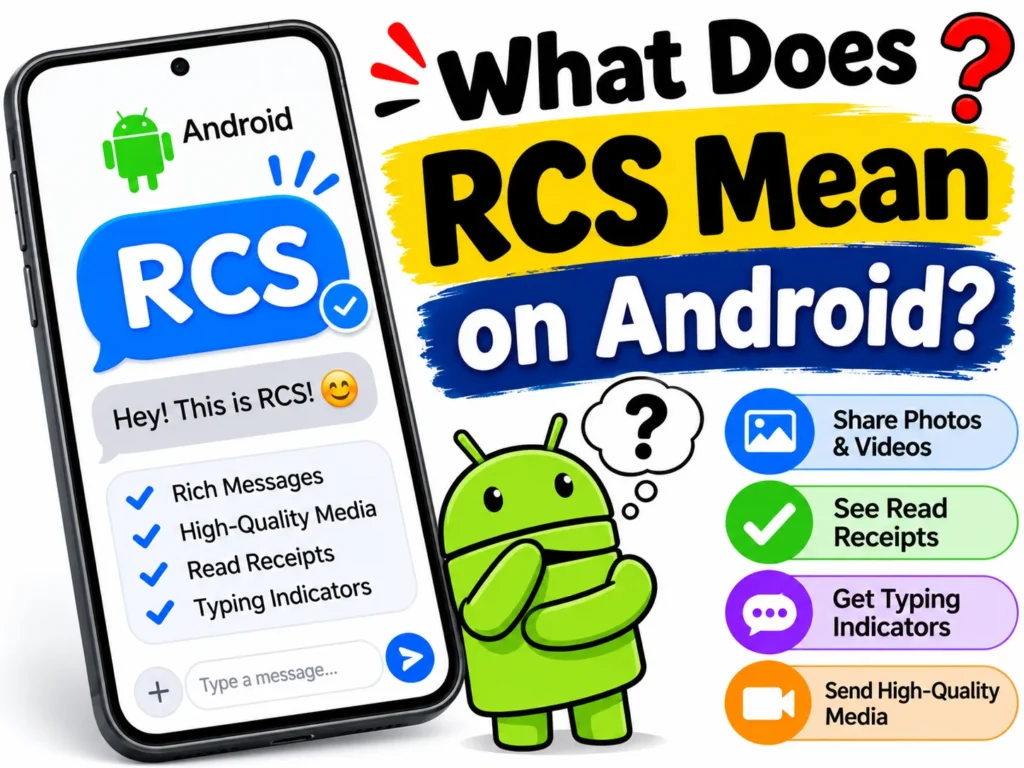
On Android phones, RCS usually refers to Rich Communication Services in a messaging app such as Google Messages.
When RCS is enabled, you may see labels such as “RCS message” or “RCS chat” in your conversation. These labels indicate that the chat can use RCS rather than traditional SMS or MMS.
Google Messages can provide features such as:
- Typing indicators
- Read receipts
- High-quality media sharing
- Enhanced group chats
- Messaging over Wi-Fi or mobile data
The features available depend on your device, the recipient’s messaging service, and the network.
How to Turn On RCS on Android
You can usually enable RCS through Google Messages.
- Open the Google Messages app.
- Tap your profile picture or account icon.
- Select Messages settings.
- Tap RCS chats. On some versions, the option may have a different label.
- Turn on RCS chats if the option is available.
- Check the connection status shown on the screen.
You may need to verify your phone number or wait for the service to connect.
If you cannot find the RCS option, update Google Messages and check whether your device, carrier, and region support the service.
How to Check If RCS Is Working
Open Google Messages and go to its RCS chat settings.
The status may say that RCS is connected or show another connection message. The exact wording can vary by app version.
You can also open a conversation and look at the message box. It may say “RCS message” when the chat supports RCS or “Text message” when it uses SMS or MMS.
Remember that RCS support can differ from one contact to another.
What Does RCS Mean on iPhone?
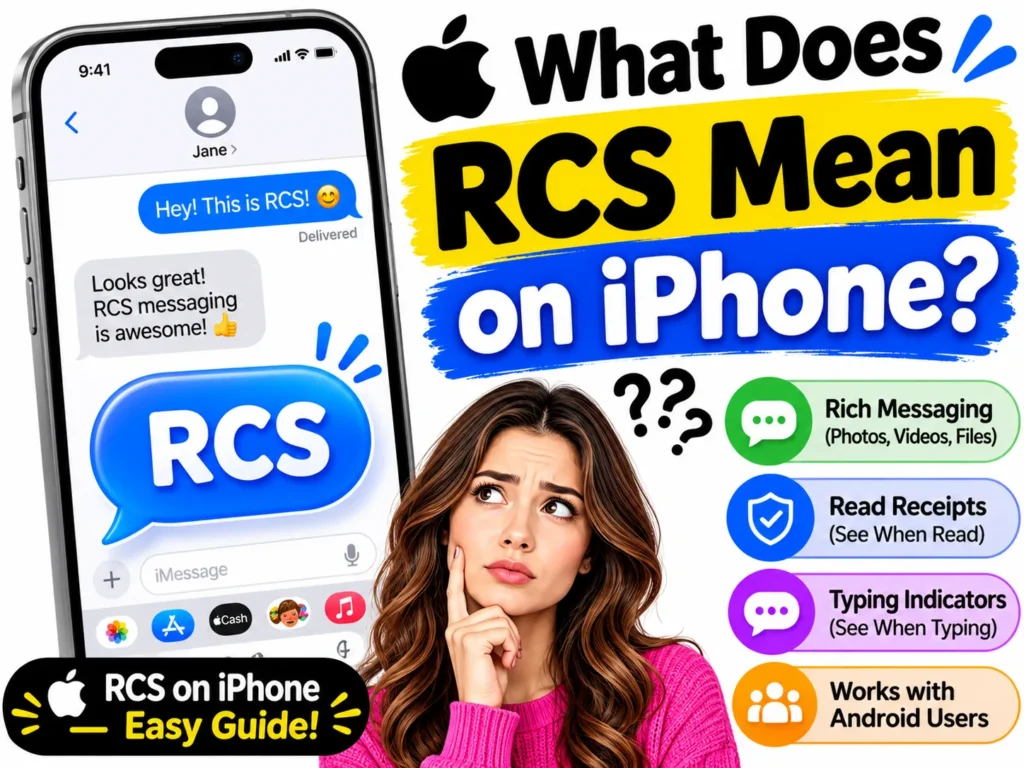
On an iPhone, RCS is a messaging option that lets supported conversations with non-iPhone devices use Rich Communication Services instead of relying only on SMS or MMS.
Apple added RCS support with iOS 18. This helps improve texting between iPhones and supported Android phones.
When RCS is available, you may be able to share higher-quality photos and videos, see typing indicators, receive read receipts, and enjoy better group messaging.
However, support depends on your carrier, region, software version, and the other person’s device and messaging service.
How to Turn On RCS on iPhone
If your iPhone and carrier support RCS, follow these steps:
- Open Settings.
- Tap Apps.
- Select Messages.
- Look for RCS Messaging under the text messaging settings.
- Turn on RCS Messaging if the option is available.
On some iOS versions, the location or wording may differ.
If you cannot find the option, check for an iOS update and contact your carrier to confirm RCS support.
Does RCS Work Between iPhone and Android?
Yes. RCS can support messaging between an iPhone and an Android phone when both sides have compatible services and the necessary carrier support.
This can improve conversations between people who use different phone brands.
For example, an iPhone user may send a photo to an Android user through RCS instead of MMS. Depending on support, both users may also see typing indicators or read receipts.
RCS does not make every iPhone and Android feature identical. Some features remain specific to the messaging app or operating system.
What Do RCS Message Statuses Mean?
RCS may show different symbols or status messages to help you understand what happened to a message.
The exact symbols depend on the messaging app.
Sent
A sent status means your message has been sent from your device. It does not always mean the recipient’s phone has received it.
Delivered
A delivered status generally means the message reached the recipient’s messaging service or device, as reported by the service.
It does not mean the recipient has read it.
Read
A read receipt indicates that the recipient has opened or read your message, according to the messaging service.
Read receipts may not appear if the recipient has disabled them or if the chat does not support them.
Typing Indicator
A typing indicator shows that the other person is typing a message.
This feature can make conversations feel more like a live chat. It may not appear in every conversation.
Is RCS Messaging Safe and Private?
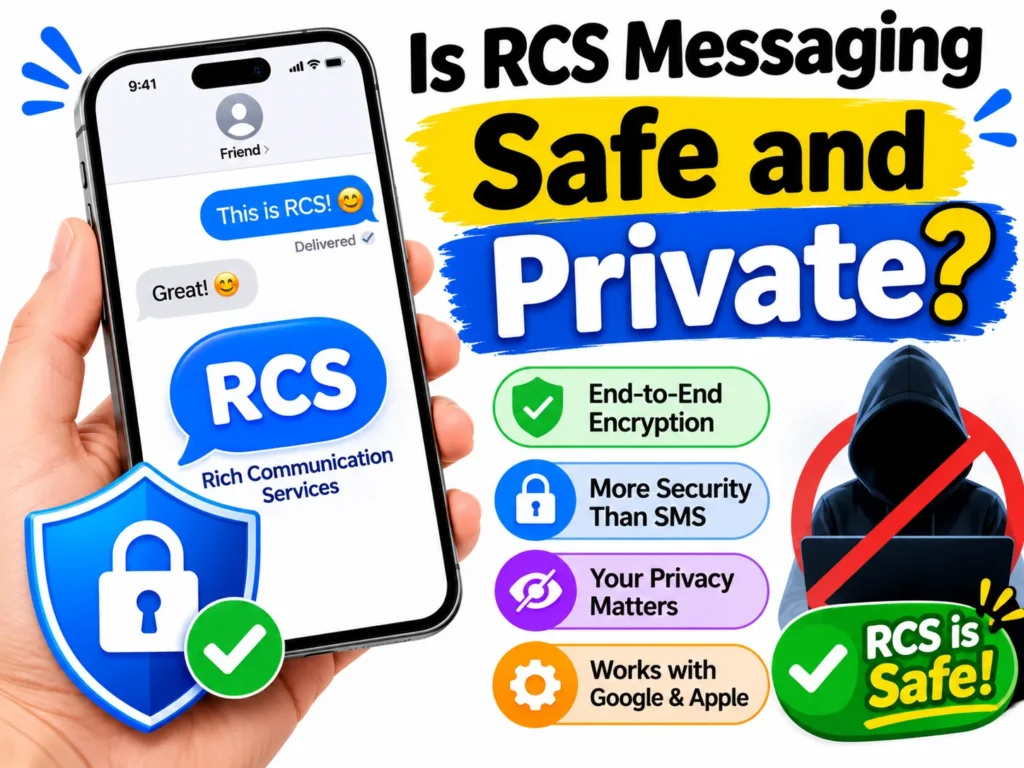
RCS includes security features, but its privacy protection depends on the type of conversation and the messaging service you use.
Some RCS conversations support end-to-end encryption. This means the message content is protected so that only the intended participants can read it, assuming the encryption works as designed.
Google Messages supports end-to-end encryption for eligible conversations, including supported one-to-one and group RCS chats. Both sides must use compatible services for encryption to work.
Not every RCS conversation is end-to-end encrypted. For example, encryption availability can differ when you message between different platforms or services.
Is RCS More Secure Than SMS?
RCS can offer stronger privacy protection than traditional SMS when the conversation supports end-to-end encryption.
Traditional SMS does not provide end-to-end encryption. Its messages may be exposed to parties with access to parts of the messaging network.
However, the RCS label alone does not guarantee end-to-end encryption. Check the security information in your messaging app before assuming that a conversation is protected.
Can Someone See If You Read an RCS Message?
Yes, if read receipts are enabled and the conversation supports them.
When you read an RCS message, the other person may see a read status. If you do not want to share this information, check your messaging app’s read receipt settings.
Turning off read receipts may also prevent you from seeing when other people read your messages.
Why Is My Phone Using SMS Instead of RCS?
Sometimes your phone may send an SMS message even when RCS is enabled. This can happen for several reasons.
Common causes include:
- The recipient does not have RCS enabled.
- Your internet connection is unavailable.
- Your carrier does not support RCS for that setup.
- RCS has not finished connecting.
- Your messaging app has a temporary issue.
- Your settings allow messages to fall back to SMS or MMS.
How to Fix RCS Not Working
Try these steps if RCS is not connecting:
- Check your Wi-Fi or mobile data connection.
- Make sure RCS chats are enabled in your messaging app.
- Update your messaging app and phone software.
- Restart your phone.
- Check the RCS connection status.
- Confirm that your carrier and recipient support RCS.
- Review any settings for automatically resending messages as SMS or MMS.
If the problem continues, contact your carrier or check the support page for your messaging app.
Avoid repeatedly turning RCS on and off without checking the connection status, as activation may take time.
How to Turn Off RCS Messaging
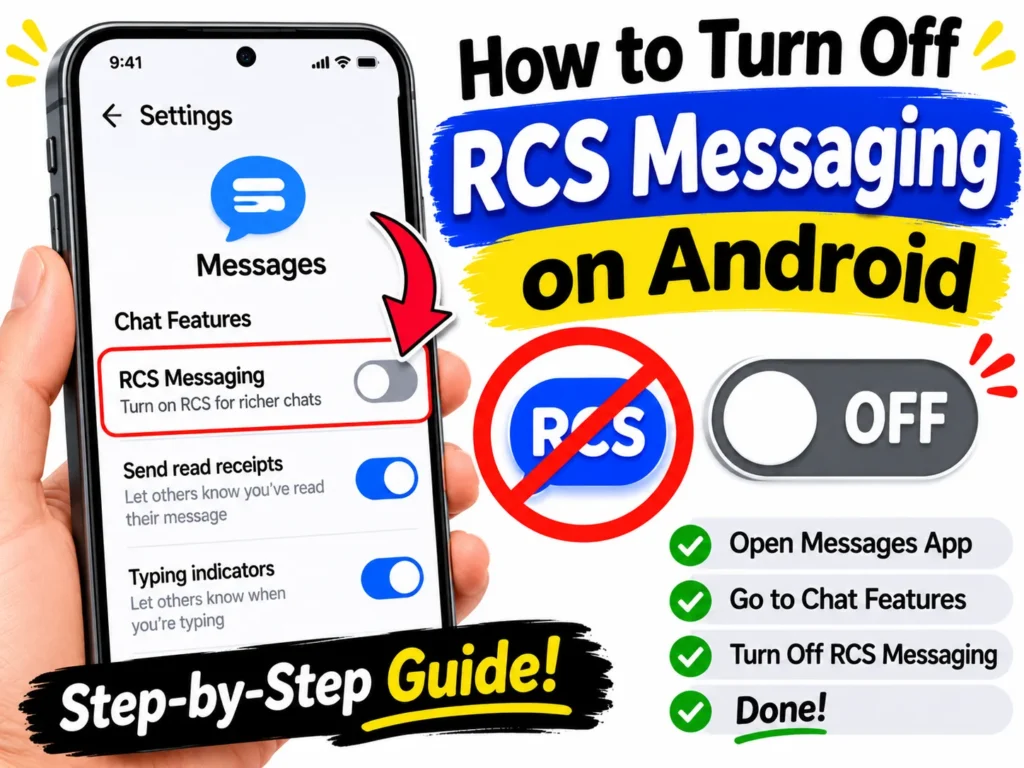
You can turn off RCS if you prefer traditional text messaging or are having connection problems.
Turn Off RCS on Android
In Google Messages:
- Open Google Messages.
- Tap your profile picture or account icon.
- Select Messages settings.
- Tap RCS chats.
- Turn off RCS chats.
Menu names may differ by app version.
After you turn off RCS, supported conversations may use SMS or MMS instead. Some advanced chat features will no longer be available.
Turn Off RCS on iPhone
On a supported iPhone:
- Open Settings.
- Tap Apps.
- Select Messages.
- Open RCS Messaging.
- Turn off the RCS option.
If the option is missing, your carrier or software version may not support the setting.
Will Turning Off RCS Delete My Messages?
Turning off RCS does not normally delete your existing message history. It changes how supported conversations send new messages.
However, the exact behavior depends on your messaging app and device. Before making major changes to messaging settings, make sure important conversations are backed up if your phone offers that option.
Common Examples of RCS in Everyday Life
RCS is easier to understand when you see how it works in real conversations.
Sharing a photo
You send a picture of your new pet to a friend. With RCS, the image may arrive in higher quality than it would through traditional MMS.
Knowing when someone is typing
You ask a friend where to meet. A typing indicator appears while they prepare their reply.
Checking if a message was read
You send an important message and see a read receipt, if the feature is supported and enabled.
Group planning
You use an RCS group chat to plan a birthday party. Participants can share photos, exchange messages, and use supported chat features in one place.
Texting between Android and iPhone
You and a friend use different phone brands. If both services support RCS for your conversation, you may be able to exchange richer messages without relying only on SMS or MMS.
These examples show why RCS can make ordinary texting more useful.
RCS Meaning in Texting: What You Should Remember
When you see “RCS” in a messaging app, it usually means the conversation is using Rich Communication Services.
It does not mean the message is spam, a secret code, or a special type of social media post. It simply identifies a messaging system that supports features beyond traditional texting.
RCS can improve photo sharing, group chats, and message status updates. Still, not every phone or conversation supports every feature.
If you see “RCS message” on your phone, you can usually continue texting as normal. Your messaging app handles the connection and delivery process in the background.
Frequently Asked Questions About RCS
1. What does RCS mean in a text message?
RCS stands for Rich Communication Services. It is a modern messaging standard that supports features such as typing indicators, read receipts, and higher-quality media sharing.
2. What does RCS stand for on Android?
On Android, RCS stands for Rich Communication Services. It allows supported messaging apps, such as Google Messages, to offer advanced chat features over Wi-Fi or mobile data.
3. What does RCS mean on an iPhone?
On an iPhone, RCS refers to Rich Communication Services. Supported iPhones can use it to improve text conversations with compatible Android phones, including better media sharing and certain chat features.
4. Is RCS the same as texting?
RCS is a type of mobile messaging, but it is not the same as traditional SMS texting. It offers extra features, including typing indicators, read receipts, and enhanced media sharing.
5. Does RCS cost money?
RCS messages do not usually have a separate per-message fee, but they use Wi-Fi or mobile data. Your carrier’s data charges and plan rules may apply.
6. Does RCS mean my message was delivered?
No. Seeing the label “RCS message” does not confirm delivery. Look for a delivery status in your messaging app to check whether the message reached the recipient.
7. Can I use RCS to text someone with an iPhone?
Yes, if both messaging services and the carrier support RCS for that conversation. RCS support on iPhone began with iOS 18, but availability depends on the carrier and region.
8. Can I turn off RCS on my phone?
Yes. On supported devices, you can turn it off in the messaging settings. Android users can check Google Messages settings, while iPhone users can check Settings under Apps and Messages.
9. Is RCS safer than SMS?
RCS can provide better security when end-to-end encryption is supported. However, not every RCS conversation is encrypted end to end, so you should check your messaging app’s security information.
10. Why does my RCS message say it is waiting to connect?
This can happen when your phone has no internet connection, RCS activation is incomplete, or the service has a temporary problem. Check your connection, review the RCS status, and restart your messaging app if needed.
11. What is the difference between RCS and iMessage?
RCS is a messaging standard supported by compatible devices and services. iMessage is Apple’s messaging service for supported Apple devices. RCS can help iPhones and Android phones exchange richer messages, while iMessage provides Apple’s own features within its supported ecosystem.
12. What does RCS chat mean?
RCS chat means a conversation is using Rich Communication Services. Depending on device support and settings, it may include read receipts, typing indicators, and better media sharing.
Article Summary
RCS stands for Rich Communication Services, a modern messaging standard that improves traditional texting. It supports features such as high-quality photo and video sharing, typing indicators, read receipts, and enhanced group chats.
RCS works over Wi-Fi or mobile data and is available on supported Android phones and iPhones. Android users can manage it through Google Messages, while iPhone users can find the option in Messages settings when their carrier supports it.
Unlike SMS and MMS, RCS offers a richer chat experience. However, its features and security depend on the device, carrier, messaging app, and recipient. You can also turn it off if you prefer traditional texting.
Conclusion
RCS means Rich Communication Services, and it is designed to make texting better. It adds useful features such as typing indicators, read receipts, enhanced group chats, and improved photo and video sharing.
Whether you use Android or iPhone, RCS can make everyday conversations easier when the service is supported. It can work over Wi-Fi or mobile data, although some features may vary between devices and carriers.
Now that you know what RCS means in texting, you can better understand the labels and features in your messaging app. If RCS is available on your phone, you can choose to use it for a richer chat experience or turn it off when you prefer traditional SMS and MMS.
Read More Posts
Feisty Meaning: Definition, Synonyms, and Examples
WBY Meaning: What Does WBY Mean in Text and Slang?
Passover Meaning: What Does Passover Mean in the Bible?

Ryan Mitchell creates informative content about word definitions, acronyms, online slang, and modern communication. He enjoys exploring how people use language in text messages, on social media, and in daily life. Ryan focuses on delivering simple explanations and practical examples that help readers quickly understand the meaning of unfamiliar words and phrases.