What Does iOS Mean? Full Form and Meaning Explained CSRC+1
What Does iOS Mean? Full Form and Meaning Explained CSRC+1
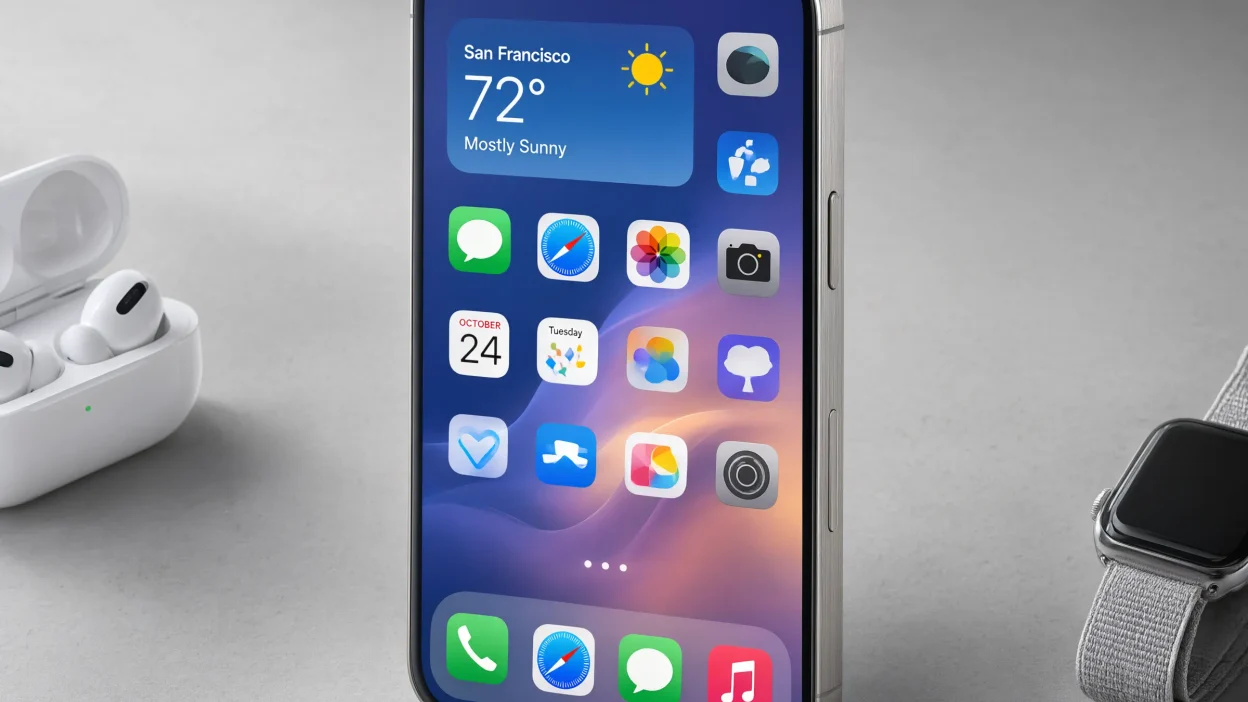
iOS is Apple’s operating system for the iPhone. An operating system is the main software that manages a device and allows its apps and features to work.
Think of iOS as the brain of your iPhone. It helps control what happens when you tap the screen, open an app, take a picture, or change a setting.
For example, when you open the Camera app, iOS helps the app use your phone’s camera. When you receive a message, iOS helps show the alert on your screen.
Without an operating system, your iPhone would not be able to work as the smartphone you know.
What Does iOS Stand For?
Apple uses the name iOS for its iPhone operating system. The name is linked to the term “iPhone OS,” which was used when the first iPhone software launched.
Apple later shortened the name to iOS. Today, people use iOS to refer to the software that powers the iPhone.
You may sometimes see people explain iOS as “iPhone Operating System.” This is a useful way to understand the name, although iOS is the official product name Apple uses.
Is iOS Software or Hardware?
iOS is software, not hardware.
Hardware means the physical parts of your phone, such as its screen, camera, speakers, and battery. Software means the programs and instructions that tell those parts what to do.
Here is a simple example:
- Hardware: Your iPhone screen.
- Software: iOS, which helps the screen respond when you touch it.
- App: Instagram, which runs on iOS and lets you share photos and videos.
These parts work together to give you a complete phone experience.
What Is iOS Used For?
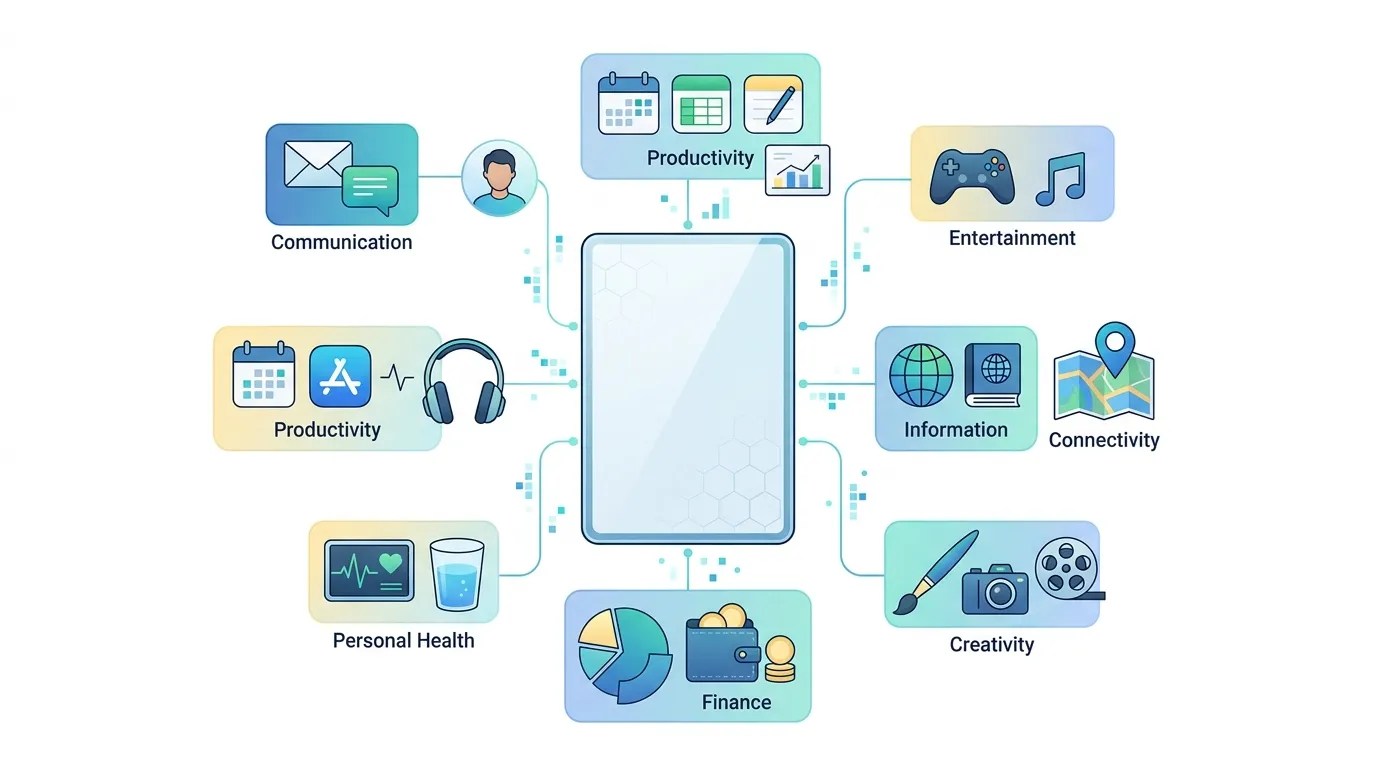
iOS helps your iPhone perform many everyday tasks. It works in the background, so you can use your phone without thinking about all the steps happening inside it.
1. Running Apps
iOS lets you install and use apps from Apple’s App Store. These apps include games, social media platforms, banking tools, shopping apps, and much more.
For example, when you open YouTube to watch a video, iOS helps the app run on your phone.
2. Managing Phone Settings
iOS gives you a place to control how your iPhone works. You can change your wallpaper, adjust the screen brightness, manage notifications, connect to Wi-Fi, and set privacy options.
Most of these choices are available in the Settings app.
3. Making Calls and Sending Messages
iOS supports basic phone features, including calls, text messages, and notifications. It also supports Apple’s Messages app and FaceTime, where available.
Your mobile carrier, internet connection, and device settings may affect which communication features you can use.
4. Protecting Your Information
iOS includes security and privacy features designed to help protect your information. These can include passcodes, Face ID or Touch ID on supported devices, app permissions, and security updates.
For example, an app may ask for permission before accessing your location or photos.
You can review many of these permissions in your iPhone settings.
5. Managing Battery and Performance
iOS helps manage how apps use your iPhone’s resources. It also provides battery information and tools that can help you understand power use.
Your phone’s speed and battery life depend on several factors, including its hardware, battery condition, apps, and software version.
6. Supporting Apple Features
iOS works with many Apple services and features. Depending on your device, region, and software version, these may include Siri, iCloud, AirDrop, Apple Pay, and Find My.
These tools can help you share files, store information, make payments, or locate a supported device.
How Does iOS Work?
iOS connects the physical parts of your iPhone with the apps you use.
When you tap an icon, the system recognizes your action and helps open the right app. When you take a photo, it helps the Camera app work with the camera hardware. When you connect to Wi-Fi, it manages the connection through the phone’s networking features.
You do not need to understand the technical details to use iOS. Most of its work happens in the background.
Here is a simple example of how it works:
- You tap the Safari icon.
- iOS opens the Safari app.
- You enter a website address.
- Your iPhone connects to the internet.
- Safari displays the website on your screen.
In this example, the app and operating system work together. Safari handles web browsing, while iOS helps the app interact with the phone and its resources.
What Is the Difference Between iOS and Android?
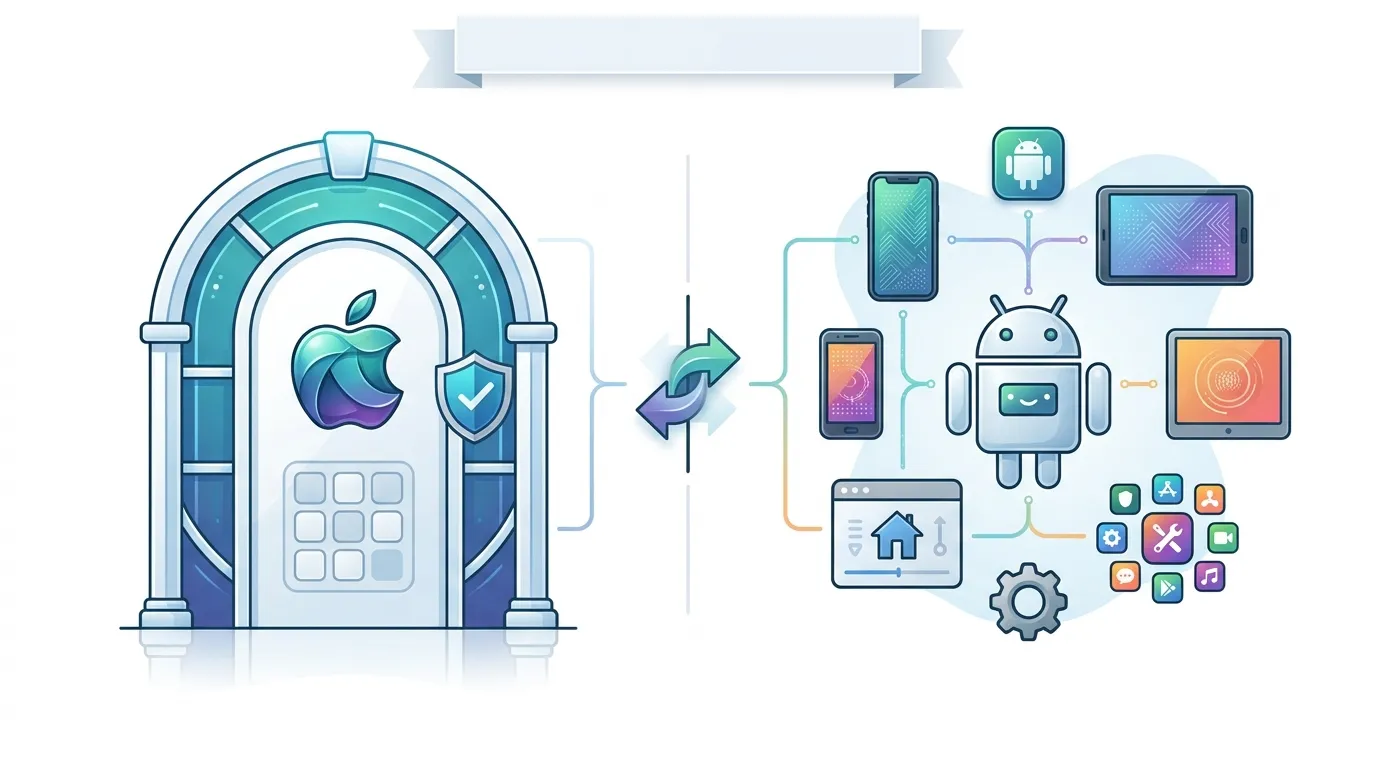
iOS and Android are two major mobile operating systems. Both let you use apps, make calls, browse the web, and perform everyday tasks.
The main difference is who develops them and which devices use them.
| Feature | iOS | Android |
| Main developer | Apple | Google leads Android development |
| Common devices | Apple iPhones | Phones from brands such as Samsung and Google |
| Main app store | Apple App Store | Google Play Store and other supported sources |
| User experience | Apple’s software and hardware work together | The experience varies by phone brand and software version |
| Customization | Offers many settings and personalization options | Often offers a wider range of customization options, depending on the device |
| Updates | Apple provides iOS updates for supported iPhones | Updates depend on the device maker, model, and carrier |
Which Is Better: iOS or Android?
Neither system is best for everyone. The right choice depends on what you need from your phone.
You may prefer iOS if you like iPhones, Apple’s services, and the way Apple devices work together. You may prefer Android if you want more phone models to choose from or enjoy greater freedom to customize your device.
Both systems support popular apps, online services, and many useful features.
The most important thing is to choose the phone that fits your budget, habits, and needs.
What Is an iOS Version?
An iOS version tells you which release of Apple’s iPhone software your device is running.
Apple releases new versions to add features, improve existing tools, fix problems, and provide security updates.
For example, an iPhone running iOS 18 has a different software release from an iPhone running iOS 26. The exact features available depend on the release and the phone model.
Why Does the iOS Version Matter?
Knowing your iOS version can help you in several ways:
- App compatibility: Some apps need a certain iOS version to work.
- Security: Updates may fix security weaknesses.
- New features: New releases may add tools or improve existing ones.
- Troubleshooting: Support guides often ask which version you use.
- Device support: Not every iPhone can install every iOS release.
If an app will not install, checking your iOS version is a useful first step.
How to Check Your iOS Version
Follow these simple steps:
- Open the Settings app on your iPhone.
- Tap General.
- Tap About.
- Look for iOS Version or Software Version.
The number shown tells you which software version is installed on your device.
For example, if you see iOS 26, your iPhone is running that major release, though a smaller update number may also be available.
How to Update iOS on an iPhone
Keeping your iPhone software updated can help improve security, fix bugs, and give you access to supported features.
Before updating, connect your phone to Wi-Fi, make sure the battery is charged, and consider backing up important information.
Steps to Update Your iPhone
- Open Settings.
- Tap General.
- Select Software Update.
- Wait while your iPhone checks for available updates.
- If an update is available, follow the instructions on the screen.
Your iPhone may need some time to download and install the update.
Why Is My iPhone Not Updating?
There are several possible reasons an update may not appear or install.
Your iPhone may not support the release. Apple does not offer every iOS version for every iPhone model.
You may not have enough storage. Try checking your available space in Settings.
Your internet connection may be weak. Connect to a reliable Wi-Fi network and try again.
The update may not be available to your device yet. Availability can depend on device compatibility and other release conditions.
If an update fails, read the message on your screen before trying again. Avoid deleting important files unless you know they are backed up.
What Are the Main Features of iOS?
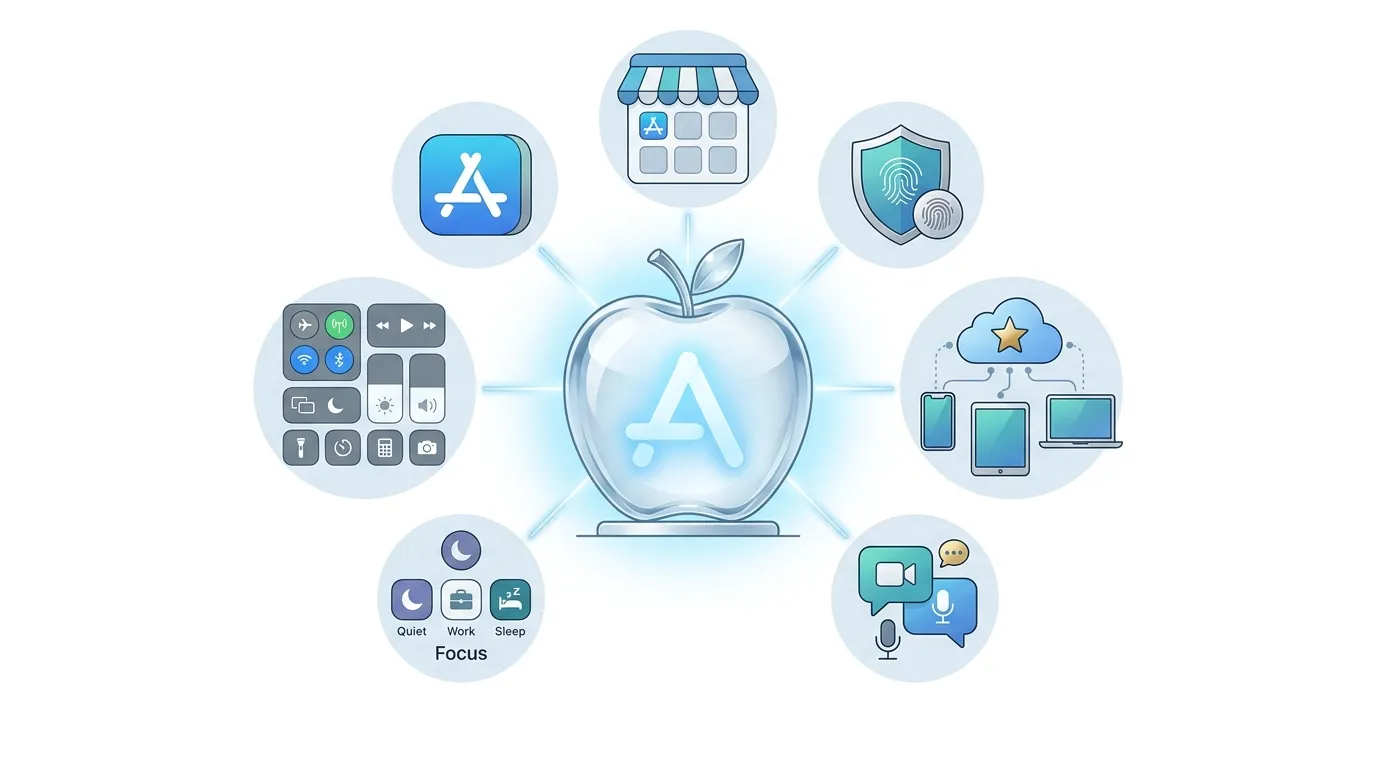
iOS includes many tools that help make an iPhone useful for daily life. Some features depend on your device, region, and installed software version.
Face ID and Touch ID
Face ID uses facial recognition on supported iPhones. Touch ID uses your fingerprint on devices that include it.
These tools can help you unlock your phone and approve certain actions without typing your passcode every time.
Siri
Siri is Apple’s voice assistant. On supported devices and in supported languages, you can ask Siri questions, set reminders, make calls, or perform other tasks.
For example, you can say, “Set an alarm for 7 a.m.”
iCloud
iCloud is Apple’s cloud service. It can help sync information and store supported data, such as photos, contacts, and backups, depending on your settings and available storage.
It can also help keep some information available across your Apple devices.
AirDrop
AirDrop lets you share supported files with nearby Apple devices. It can be useful when sending a photo or document to a friend with a compatible device.
App Store
The App Store is Apple’s platform for finding and downloading iPhone apps. It includes apps for work, learning, games, health and fitness, entertainment, and other needs.
Always check an app’s details and permissions before installing it.
Privacy Controls
iOS gives you tools to manage which apps can access information such as your location, camera, microphone, and photos.
You can review these choices in Settings and change them when needed.
Is iOS Only for iPhones?
Today, iOS is the operating system for the iPhone.
Apple uses other operating systems for other product types. For example, iPadOS is designed for the iPad, while macOS powers Mac computers. Apple Watch uses watchOS.
These systems share some design ideas and features, but they are made for different devices.
What About iPads?
Older iPads used software based on iOS. Apple later introduced iPadOS as the separate operating system for iPad models.
That is why a modern iPad may run iPadOS rather than iOS, even though the two systems share some features.
What About Apple Computers?
Mac computers use macOS, not iOS. You can use many Apple services across both systems, but Mac apps and iPhone apps are not always the same.
Some apps may be available on both platforms, while others are designed for only one.
Is iOS Free?
Yes. iOS is included with the purchase of a compatible iPhone. You do not need to buy a separate iOS license to use the operating system on your phone.
Apple also provides supported iOS software updates without charging a separate fee for the update itself.
However, some apps, subscriptions, cloud storage plans, and services may cost money. Your mobile carrier may also charge for calls, messages, or data.
For example, you can update your iPhone’s software without paying Apple for the update, but you may choose to pay for extra iCloud storage.
Is iOS Safe to Use?
iOS includes security features designed to help protect your phone and personal information. However, no operating system can promise complete protection from every threat.
You can improve your iPhone’s security by following a few simple habits:
- Install software updates when appropriate.
- Use a strong passcode.
- Turn on Face ID or Touch ID if your device supports it.
- Download apps from trusted sources.
- Review app permissions.
- Be careful with suspicious links and messages.
- Keep important information backed up.
You should also use a different, strong password for important online accounts when possible.
Remember that security depends on more than the operating system. Your choices, the apps you install, and the links you open also matter.
Common iOS Terms You Should Know
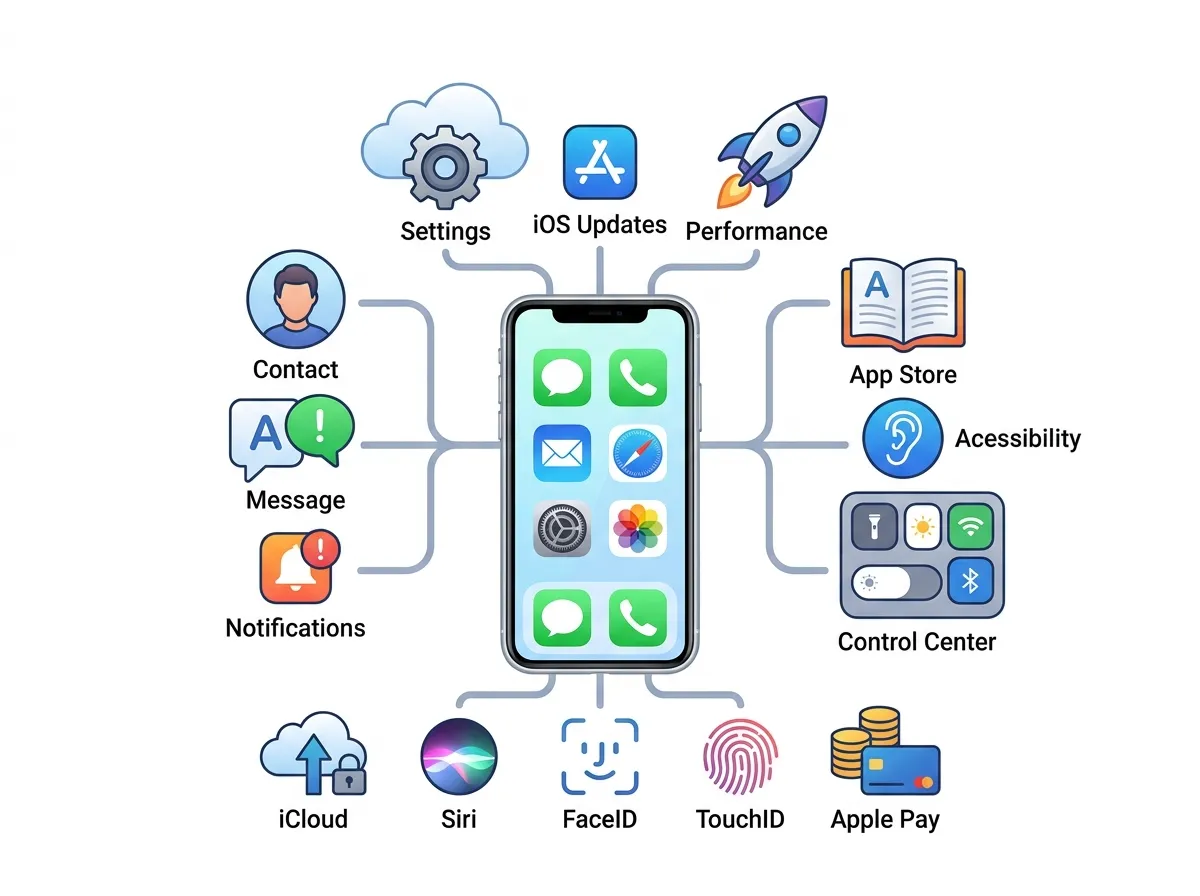
If you are new to iPhones, these common terms can help you understand Apple’s software.
iOS Update
An iOS update is a newer version or release of the iPhone’s operating system. Updates can include security fixes, bug fixes, and new features.
iOS Compatibility
Compatibility means whether an app or feature can work with your iPhone’s model and software version.
For example, an app may require a newer version of iOS than the one installed on your device.
iOS Beta
An iOS beta is a test version of upcoming software. Apple makes beta releases available through its testing programs so developers and other participants can try new features and report problems.
Beta software may contain bugs and is generally not the best choice for a phone you depend on every day.
iOS Jailbreak
Jailbreaking means changing an iPhone’s software restrictions to gain access to features or changes that Apple does not normally allow.
It can create security risks, affect device stability, and cause problems with updates or support. Most everyday users do not need to jailbreak their iPhones.
iOS App
An iOS app is an application made to run on the iPhone’s operating system. Examples include messaging apps, games, photo editors, and navigation tools.
Some apps are available on Android and other platforms too, while others are made for Apple’s devices.
Why Do People Search for “What Does iOS Mean?”
People often search for this question when they see iOS mentioned in an app listing, phone setting, online tutorial, or software update notice.
For example, an app may say it requires iOS 17 or later. This means the app needs that software version or a newer compatible version to run.
A friend might also ask whether your phone uses iOS or Android. If you use an iPhone, it runs iOS.
Understanding the term makes it easier to follow phone instructions, solve simple problems, and decide whether your device supports an app or feature.
You do not need technical knowledge to understand iOS. It is simply the main software that makes an iPhone work.
Article Summary
- iOS meaning: Apple’s operating system for the iPhone.
- What iOS does: Runs apps, manages settings, supports communication, and helps manage device security.
- What iOS stands for: The name is linked to Apple’s earlier term, iPhone OS.
- iOS vs. Android: iOS powers iPhones, while Android runs on phones from many manufacturers.
- How to check iOS: Open Settings, select General, then About.
- How to update iOS: Open Settings, select General, then Software Update.
- Cost: iOS comes with a compatible iPhone, and standard software updates do not require a separate purchase.
- Safety: Updates, strong passcodes, and careful app permissions can help protect your information.
FAQs About iOS
1. What does iOS mean on an iPhone?
iOS is the operating system that runs on an iPhone. It helps manage apps, settings, security features, and other phone functions.
2. What does iOS stand for?
The name iOS is linked to “iPhone OS,” Apple’s original name for the iPhone software. Apple later shortened the name to iOS.
3. Is iOS the same as Apple?
No. Apple is the company that makes the iPhone and develops iOS. iOS is the software that runs on the iPhone.
4. Is iOS the same as Android?
No. iOS runs on iPhones, while Android runs on phones made by many companies. Both operating systems let you use apps, make calls, and browse the internet.
5. How do I know which iOS version I have?
Open Settings, tap General, and select About. Look for the software version listed on your iPhone.
6. Can I install iOS on an Android phone?
No. Apple designs iOS for the iPhone, and you cannot normally install it on an Android phone. Android devices use the Android operating system.
7. Do I have to pay for iOS?
No. iOS comes with a compatible iPhone, and Apple does not charge a separate fee for standard iOS software updates. Some apps and services may require payment.
8. Why does an app require a specific iOS version?
An app may need features or system tools found only in certain iOS releases. If your iPhone runs an older version, you may need to update it or use a compatible alternative.
9. Is iOS better than Android?
It depends on your needs. iOS offers Apple’s iPhone experience, while Android provides phones from many brands and often allows more customization. Both have useful features.
10. Is iOS safe?
iOS includes security and privacy tools, but no system is completely risk-free. Keep your software updated, use a strong passcode, and avoid suspicious links and apps.
Conclusion
So, what does iOS mean? It is Apple’s operating system for the iPhone. It helps your phone run apps, manage settings, connect to the internet, and protect your personal information.
Understanding iOS can also help you check app requirements, install software updates, and fix common phone problems.
You can find your current version by opening Settings, tapping General, and selecting About.
Whether you are buying your first iPhone or simply learning more about your device, knowing what iOS means is a useful first step.
You do not need to be a tech expert to understand it. Just remember that iOS is the main software that makes your iPhone work.

Emma Wilson is a writer at MeaningVibz who enjoys exploring emoji meanings, texting expressions, and online communication trends. She helps readers understand how emojis and slang are used in different situations by providing clear explanations and relatable examples for everyday messaging.